
 GuessPick Team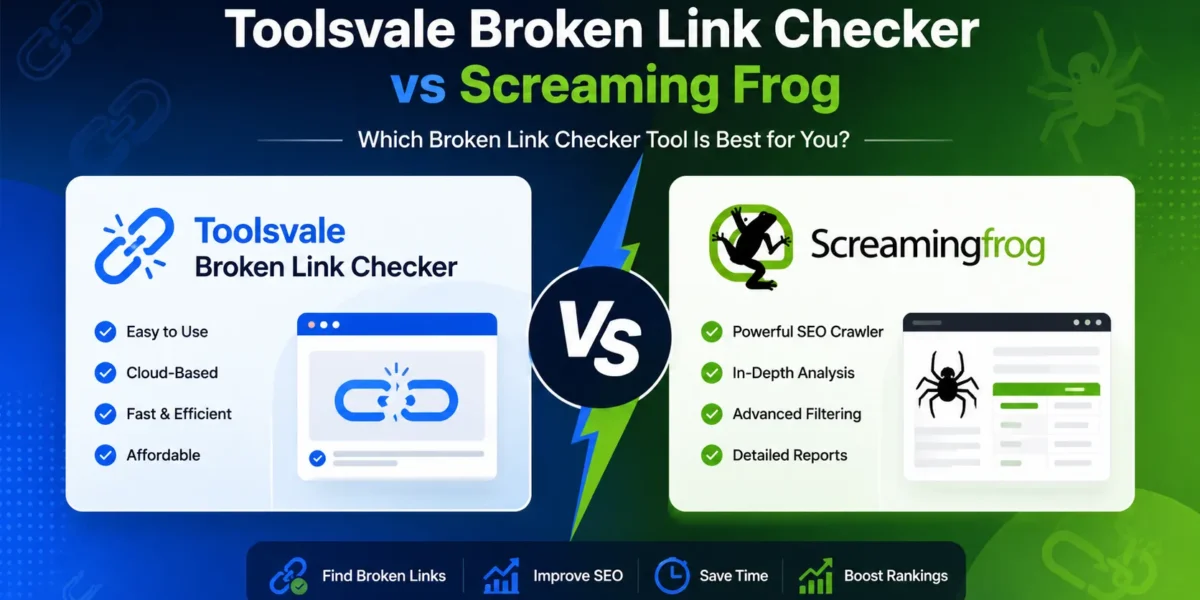
ToolsVale Broken Link Checker vs Screaming Frog: Which Should You Use?
Broken links are one of those problems that never announce themselves. A page gets deleted, a permalink structure changes, an external site you linked to years ago quietly goes offline — and none of it shows up until a reader clicks through to a dead end, or Google’s crawler wastes its budget on URLs that return nothing. Finding them before that happens means running a link checker, and the two most commonly recommended free options are ToolsVale’s browser-based Broken Link Checker and Screaming Frog’s desktop SEO Spider. We ran both through a real test to see which one actually holds up once you move past the marketing page.
Why this comparison matters
Most “free broken link checker” roundups compare feature lists lifted straight from each tool’s own website, without ever running a live crawl. That’s not particularly useful, because the number that actually matters — how many pages you can check before the tool asks you to pay or install something — only shows up once you point it at a real site. So instead of comparing spec sheets, we pasted a live 443-page WordPress site into ToolsVale’s checker and let it run to completion, then compared what came back against what’s independently documented about Screaming Frog’s free tier.
We tested it: a real 443-page crawl
The test site had 443 checkable URLs across pages, posts, tags, and outbound links — a fairly typical size for a mid-sized content site with a few hundred articles. No signup was required, nothing needed installing, and the crawl streamed results live rather than making us wait behind a spinner.
Results after one full pass:
- 443 URLs checked in total (internal and external combined)
- 4 genuinely broken links (404s and non-standard error codes)
- 101 redirects — mostly expected behavior like login walls and social share links, not something to fix
- 37 blocked responses — sites like Instagram, Trustpilot, Quora, and ProductHunt rate-limiting the automated request, which is not the same thing as a broken link
- 301 pages returning a clean 200 OK with nothing wrong
Here’s exactly what the 4 broken links were, since a checker is only as useful as the accuracy of what it flags:
| Status | What broke | Found on |
|---|---|---|
| 404 | An internal link with a typo in the URL slug (missing “-fast” from the target page’s actual address) | promote-app-in-india-in-low-budget |
| 404 | A Google Play support page that no longer exists at that address | daily-spin-win-coins |
| 404 | A GitHub repository link pointing to an account that doesn’t exist | about-taskpaisa |
| 999 | LinkedIn returning its non-standard “unauthorized” response to automated requests — a false alarm, not a real break | follow-on-linkedin-toolsvale |
What’s worth noting here isn’t just that it found the breaks — it’s what it didn’t wrongly flag. Of the 37 URLs that came back as “Blocked,” every single one was a site known for aggressively rate-limiting bots (Instagram’s 429s, Trustpilot and Quora and ProductHunt’s 403s). A cheaper checker that lumps 403/429 responses in with genuine 404s would have reported 41 “broken” links instead of 4, sending whoever runs this site off chasing 37 links that are actually fine. Getting that distinction right is the difference between a useful report and a noisy one.
Full feature comparison
| Feature | ToolsVale Broken Link Checker | Screaming Frog (Free) |
|---|---|---|
| Price | Free | Free |
| Install required | No — runs entirely in the browser | Yes — desktop app for Windows, macOS, or Linux |
| Signup required | No | No |
| Pages per run (free tier) | Up to 10,000, continuable beyond that at no cost | 500, hard cap |
| Shows exact source page + anchor text | Yes | Yes |
| Live streaming results | Yes — rows appear as each link is checked | No — results appear only once the full crawl finishes |
| Separates “Blocked” (403/429) from genuinely “Broken” | Yes — confirmed on the live test above | Yes |
| Redirect chain hop count | Yes | Yes |
| CSV / Excel export | Yes, included free | Yes, included free |
| Continues past the page limit for free | Yes | No — requires the $279/year licence to remove the cap |
| Commercial / client use on the free tier | Yes | No — free tier is licensed for personal use only |
| Full technical SEO audit (300+ checks, JS rendering, custom extraction) | No — broken link detection only, by design | Yes, especially on the paid tier |
Where ToolsVale wins
If the job is specifically “find the broken links on this site,” ToolsVale’s checker is the more practical free option in three concrete ways. First, there’s nothing to install — you paste a URL and it starts crawling immediately from any device, including a phone or a work laptop where you can’t install software. Second, the free page limit is high enough that most real sites will never hit it in one pass, and even if they do, continuing past it doesn’t cost anything. The 443-page test site here would have been checked in full under ToolsVale’s limit with room to spare, whereas Screaming Frog’s free tier would have needed to stop partway through if external link checking pushed the URL count past 500. Third, results stream in live, so on a larger site you can start fixing the first broken link you see instead of waiting for the whole crawl to complete.
Where Screaming Frog wins
Screaming Frog earns its reputation for a reason, and it isn’t really a like-for-like competitor once you look past broken link detection specifically. It audits over 300 SEO issues in a single crawl — duplicate titles and meta descriptions, missing alt text, canonical tag problems, thin content, and more — none of which ToolsVale’s tool attempts, because it’s scoped narrowly to one job. If the goal is a full technical SEO audit rather than just a link check, Screaming Frog (particularly the paid version, which adds JavaScript rendering and custom extraction) is the stronger and more established choice, and it’s what most professional SEO agencies standardize on. For a smaller site that comfortably fits under 500 URLs, the free desktop version is also perfectly capable on its own — the limit only becomes a real obstacle once a site grows past it.
Which one should you actually use?
The honest answer depends on the size of the job. For a quick, no-install check of broken links on a site of any size — including sites well over 500 pages — ToolsVale’s free checker gets the job done without hitting a paywall, and the live test here backs that up with real numbers rather than marketing claims. For a full technical SEO audit that goes beyond broken links into the other 300 issues that can quietly hurt a site’s rankings, Screaming Frog remains the more complete tool, especially once you’re on the licensed version. Many sites will get value from both: run ToolsVale first for a fast, free pass at dead links, and bring in Screaming Frog when it’s time for a deeper audit.
Our verdict
For the specific job of finding broken links for free, without installing anything and without hitting a wall partway through a crawl, ToolsVale’s Broken Link Checker is the more practical pick — confirmed not by its own claims but by an actual 443-page run that flagged exactly four genuine problems and correctly ignored 37 false alarms. Screaming Frog is still the stronger all-around SEO tool the moment the task grows beyond broken links alone, or for anyone already paying for its licensed tier.



Sign in to share your opinion
Sign in with Google