
 toolsvale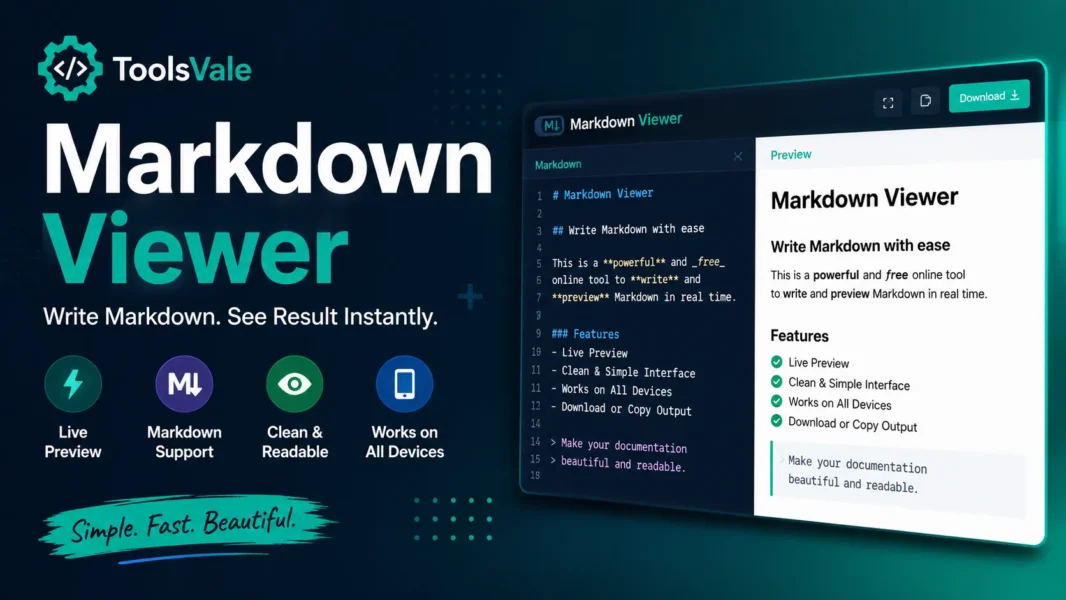
Why You Need a Dedicated Markdown Viewer
If you work with markdown files regularly — README docs from GitHub, AI-generated output from ChatGPT or Claude, documentation drafts, or notes exported from Obsidian — you have probably run into the same frustration. You receive a .md file and have no clean way to read it. You either open it in a text editor and squint at raw syntax, or you install a full-blown editor like VS Code just to preview a file you never plan to edit.
ToolsVale’s Markdown Viewer solves exactly this problem, and it does it better than every alternative I have tried.
What It Does
The tool is dead simple. You either drag and drop your .md file onto the page, or paste raw markdown text into a text box. Hit render, and you get a fully formatted HTML preview — headings, tables, task lists, fenced code blocks with syntax highlighting, blockquotes, images, links, the works. It follows GitHub Flavored Markdown (GFM) rules, so everything renders the way you would expect it to look on GitHub.
There is no account to create. No file size cap. No daily usage limit.
Where It Actually Stands Out
Here is where it gets interesting. Every other online markdown viewer I have used — mdview.io, tinyMD, markdownviewer.org — they render the file and stop there. ToolsVale goes further with two features no competitor offers:
Document Diagnostics Panel
The moment your file renders, you get a full breakdown: word count, character count, heading hierarchy (H1 through H4), link count split by type (external, anchor, relative), image references, code block count with detected languages, task-list progress, and estimated reading time. If you are reviewing documentation or auditing a long README, this panel alone saves you from manually counting things.
Structural Audit
This is the real differentiator. The viewer flags actual problems in your markdown:
- Skipped heading levels (H1 jumping straight to H3)
- Duplicate heading text that would break anchor links
- Empty or malformed URLs
- Broken internal anchors that point to headings that do not exist
- Images missing alt text
Each issue is reported with the exact line number. For anyone publishing documentation, writing technical blogs, or maintaining open-source READMEs, this catches mistakes that would otherwise slip through.
The Privacy Angle
Most online tools claim your file stays in your browser, and you just have to trust them. ToolsVale actually invites you to verify it. Open DevTools, switch to the Network tab, drop your file, and watch. The only network requests are two rendering libraries loading from a CDN (marked.js and DOMPurify). Your file generates zero outgoing requests. Once those libraries are cached, you can disconnect from the internet entirely and the viewer keeps working.
This matters if you are previewing internal documentation, client deliverables, or anything you would rather not upload to a random server.
What It Does Not Do
To be fair, the tool is intentionally limited in scope:
- It is not an editor. No split view, no live editing. If you want to write markdown, use VS Code or Typora.
- It does not export to PDF or Word directly. You can print from the browser (Ctrl+P), which produces a clean page, but there is no download button for other formats.
- It does not support Obsidian-specific syntax like wiki-links or Dataview queries. But instead of silently dropping them, it flags them in a compatibility bar so you know exactly what did not render.
Who Should Use It
- Developers reviewing README files or documentation without cloning a repo
- Content writers checking AI-generated markdown before pasting it into a CMS
- Technical writers auditing heading structure and link health in long documents
- Anyone who receives .md files and just wants to read them properly
Conclusion
ToolsVale’s Markdown Viewer is the most complete free markdown viewer available online right now. The rendering is solid, but the diagnostics panel and structural audit are what set it apart. No other browser-based viewer tells you your heading hierarchy is broken or your anchor links are dead. If you only need to read markdown files — not edit them — this is the tool to bookmark.
Sign in to share your opinion
Sign in with Google